NotiRegX
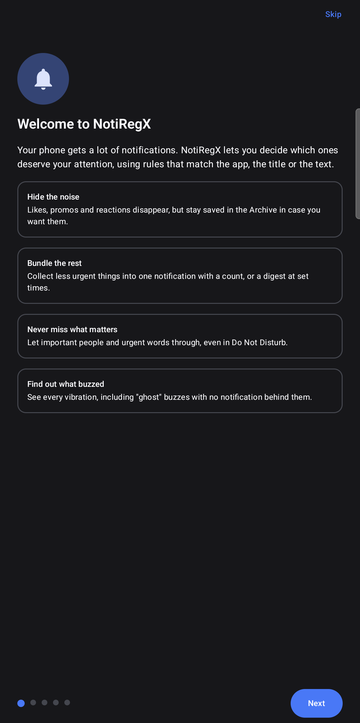
Rule-based notification filtering for Android. Hide the noise, bundle the rest, never miss what matters.
Open this page on your Android phone to install it.
What it does
- Rules with patterns. Match notifications by app and by text in the title or body. Rules run top to bottom and the last match wins, so later rules can make exceptions.
- Four actions. Hide (kept in an archive), bundle (one notification with a count, or a digest at set times), let through, or always alert, even in Do Not Disturb.
- Rules from real notifications. Tap a notification in the archive and it suggests a pattern. Notifications you keep swiping away unread turn into suggested rules too.
- Find out what just buzzed. A vibration log shows every buzz and which app caused it, including buzzes with no notification behind them.
- Stays on your phone. No internet permission. English, Magyar, Deutsch and Español.
Install
- Download on your phone and open
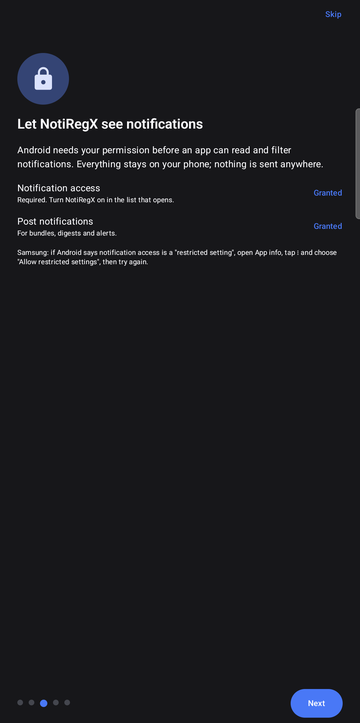
NotiRegX.apk. If Android asks, allow your browser to install unknown apps. - Open NotiRegX and follow the short tutorial. It needs notification access to work.
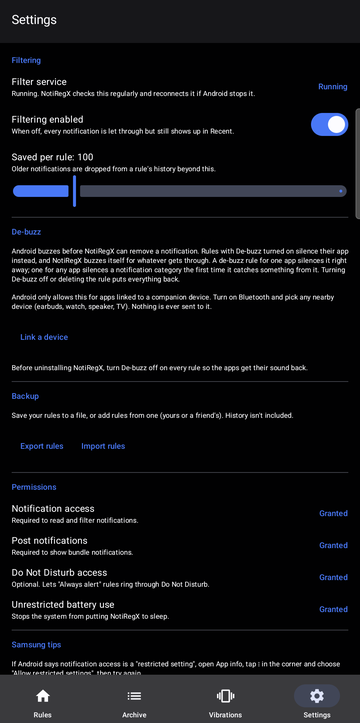
- On Samsung, if notification access is shown as a restricted setting: open App info, tap the three dots, choose Allow restricted settings, and try again. Unrestricted battery use is recommended too.
To update, install the newest APK over the old one. Your rules and history are kept.